Official PC specs (updated November 17, 2026)
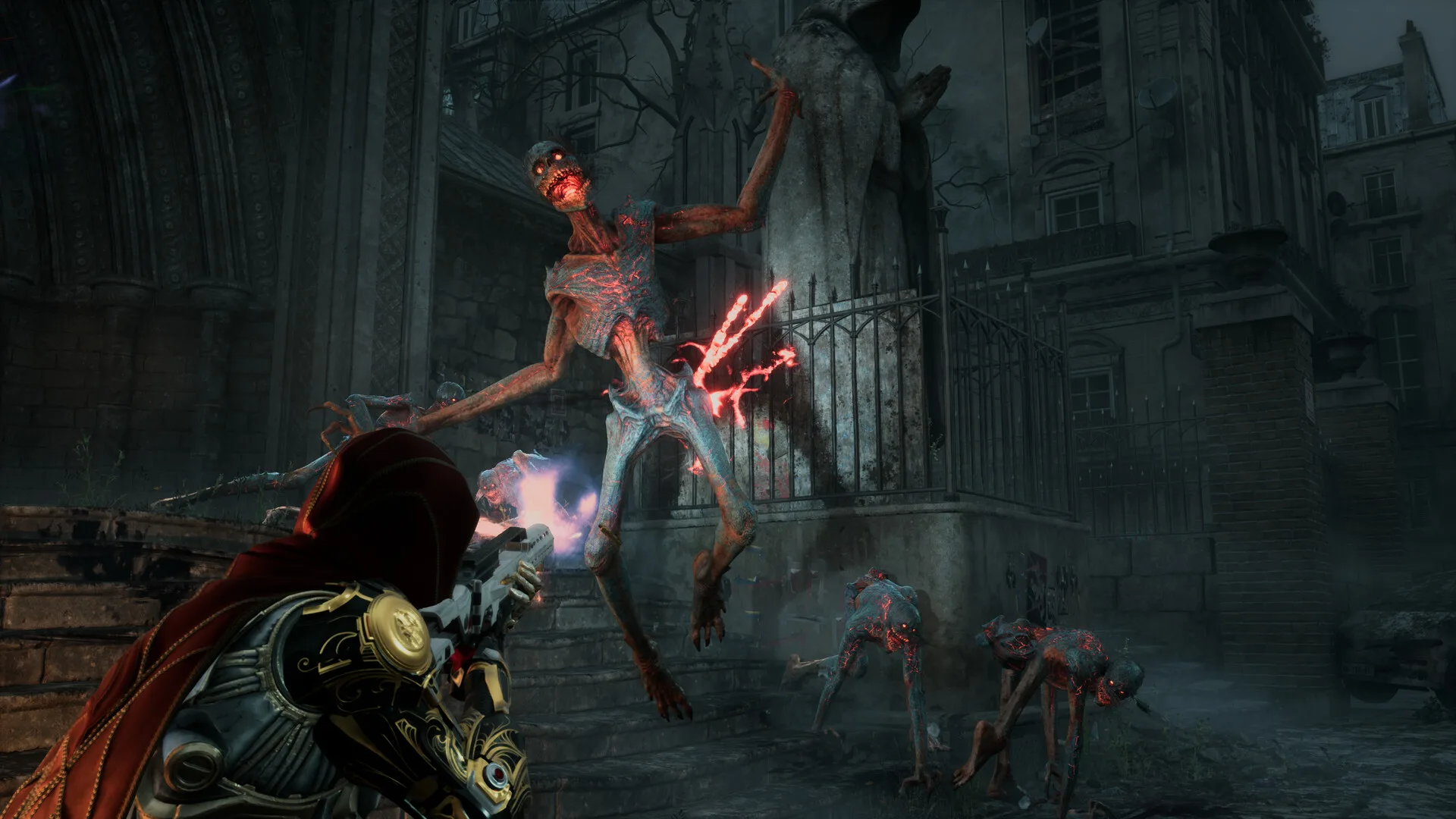
These are the current official targets, based on the latest compatibility testing. They replaced the older demo-era figures — if another site shows an RTX 2060 / RTX 3080 pairing, that table is outdated.
| Component | Minimum | Recommended |
|---|---|---|
| OS | Windows 10/11 | Windows 11 |
| CPU | Intel i5-8400 / AMD Ryzen 5 2600 | Intel i5-12600K / AMD Ryzen 5 5600X |
| RAM | 16 GB | 32 GB |
| GPU | GTX 1070 8 GB / RX 5600 XT 6 GB / Intel Arc A750 8 GB | RTX 3070 8 GB / RX 6750 XT 12 GB |
| Storage | 60 GB | 60 GB |
| Official target | 1080p, Low settings, 30fps+ | 1080p, High settings, 60fps+ |
The developers say they deliberately set these conservatively and expect only slight changes before launch. Steam Deck passed Valve’s official performance review on default settings.
One player data point for calibration ⚠️: a 5070 Ti + 9700X reported roughly 60–65fps native on High at 3440×1440, and about 40fps on Epic — so headroom above 1080p is limited in the demo build. Treat this as one machine’s report, not a benchmark average.
Fix the biggest complaint: motion blur
Set Post-Processing to Low. That is the player-confirmed way to remove the aggressive motion blur when turning the camera in the February public demo. The developers also shipped a motion-blur patch on February 25 and recommended disabling blur and lowering post-processing together; on March 5 they said optimization and DLSS work were ongoing. There was no standalone motion-blur switch in that build — the post-processing preset is the lever. Whether launch still needs these steps is unknown; this page records what worked, dated.
Stutter, lag spikes and FPS problems (February demo reports)
- FPS capped at 0/1: a reported bug; one player fixed it by reinstalling the demo. Check for any FPS limit you set yourself first ⚠️.
- Random slideshow moments after smooth 60fps: reported by multiple players, including high-end PCs; the opening video also pinned some CPUs. No official fix was published for that build — players reported specs in the bug thread.
- Final-boss pillars cause heavy slowdown: the pillar effects in The Monument’s arena were a reported performance hotspot, including on Steam Deck at the time. The November 17 news that the game passed Valve’s Deck review on default settings is the newer, official picture (boss mechanics).
- Low-end or borderline PCs: use the official playtests (sign-up) when they’re open, and remember the developers explicitly recommend Steam’s two-hour refund window as a real-world test for the full game.
Other settings answers players needed
- DLSS: absent from the February demo (TSR/FSR only); the developers said in March that DLSS work was ongoing. Launch PC features are still to be detailed.
- Ultrawide: the intro cutscene was baked at 16:9, so 21:9 screens got letterboxing; gameplay itself was unaffected.
- Controller audio sliders: press A, then drag the left stick ⚠️ (player-discovered).
- Language selection: not available in the demo; the full game lists 14 languages on Steam.
- HDR: not officially detailed — in February a developer answered “Not sure about HDR — I’ll ask the team”, and nothing newer has been published.
If nothing works
Post in the official Bug Reports & Technical Issues thread on the Steam community hub with your specs and what you already tried — during test periods the developers read and answer there, and several fixes above came from that exact exchange. Note the public demo was delisted in April; current testing happens through invite-only playtests. See what the demo included for the content background.